


Build a flow
Launch your automated marketing campaigns in under a minute with three simple steps.
STEP 1
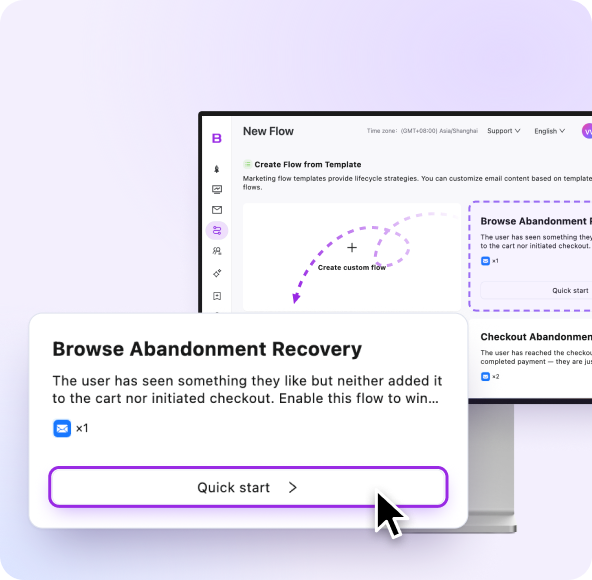
Choose a Template
Navigate to New Flow, explore our curated lifecycle templates (e.g., Browse Abandonment Recovery), and click Quick Start.
STEP 2
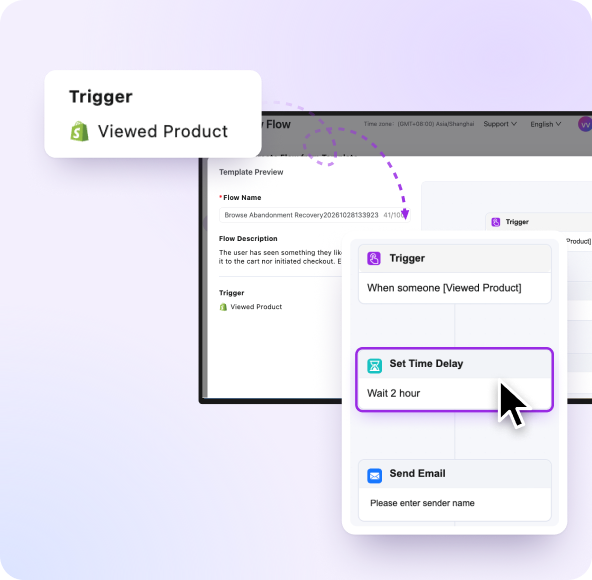
Preview & Validate
Review the workflow logic in the Template Preview panel—including pre-set triggers, wait times (e.g., Wait 2 hours), and email frameworks. Click Use Template to proceed.
STEP 3
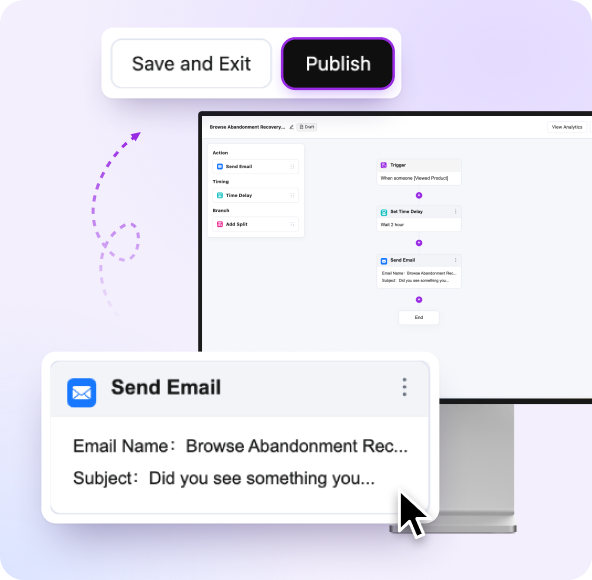
One-Click Publish
Review your pre-optimized workflow in the visual builder (equipped with smart exclusion filters). Fine-tune your sender name and subject line, then hit Publish to kick off automated conversions!
Was this guide helpful?