


Analyze campaign performance
Track, analyze, and optimize your email marketing performance seamlessly in three steps:
STEP 1
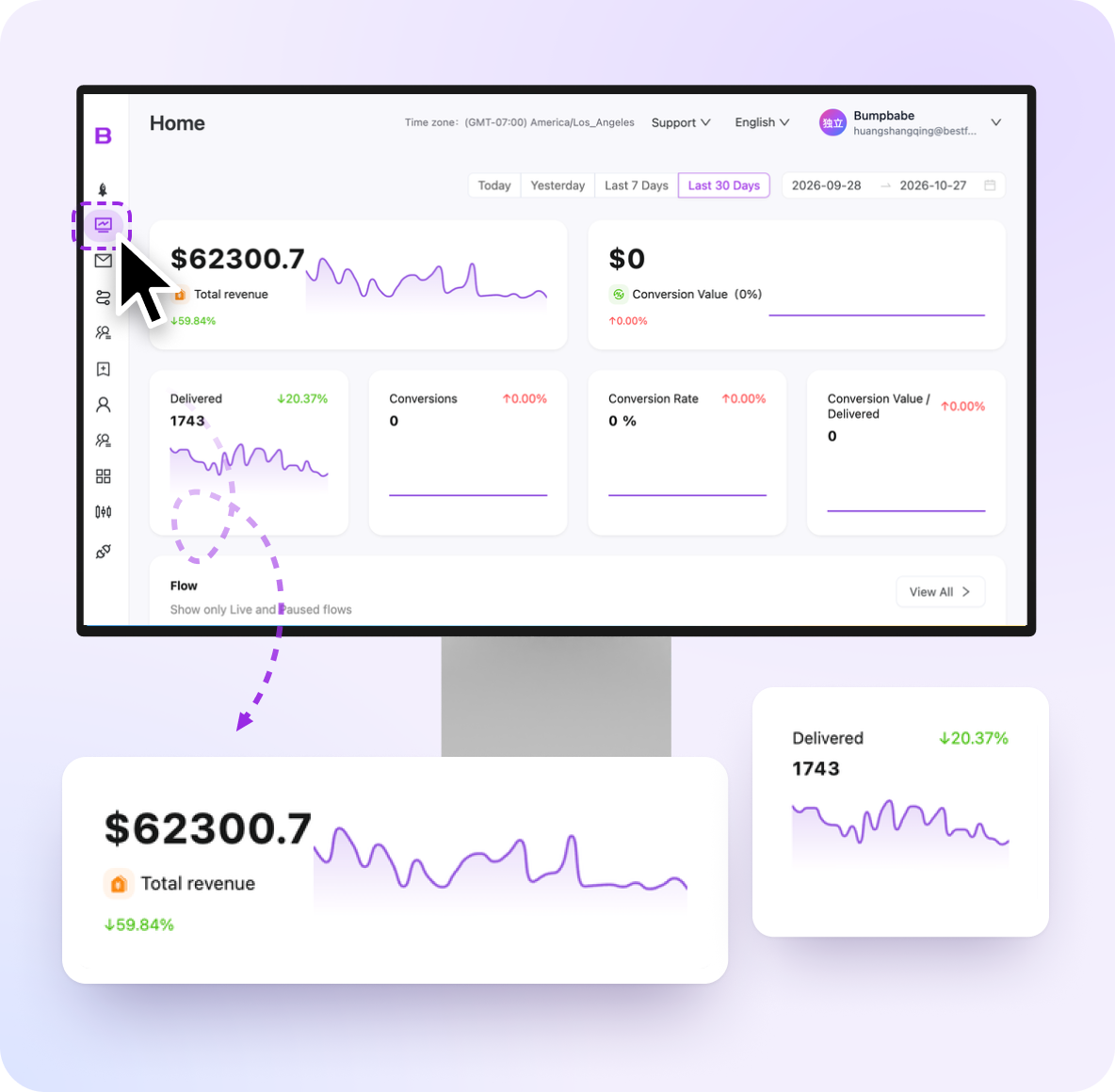
High-Level Overview (Home Dashboard)
Log into your account to check the Home page for overarching performance trends, total revenue generation, and global conversion metrics over custom date ranges.
STEP 2
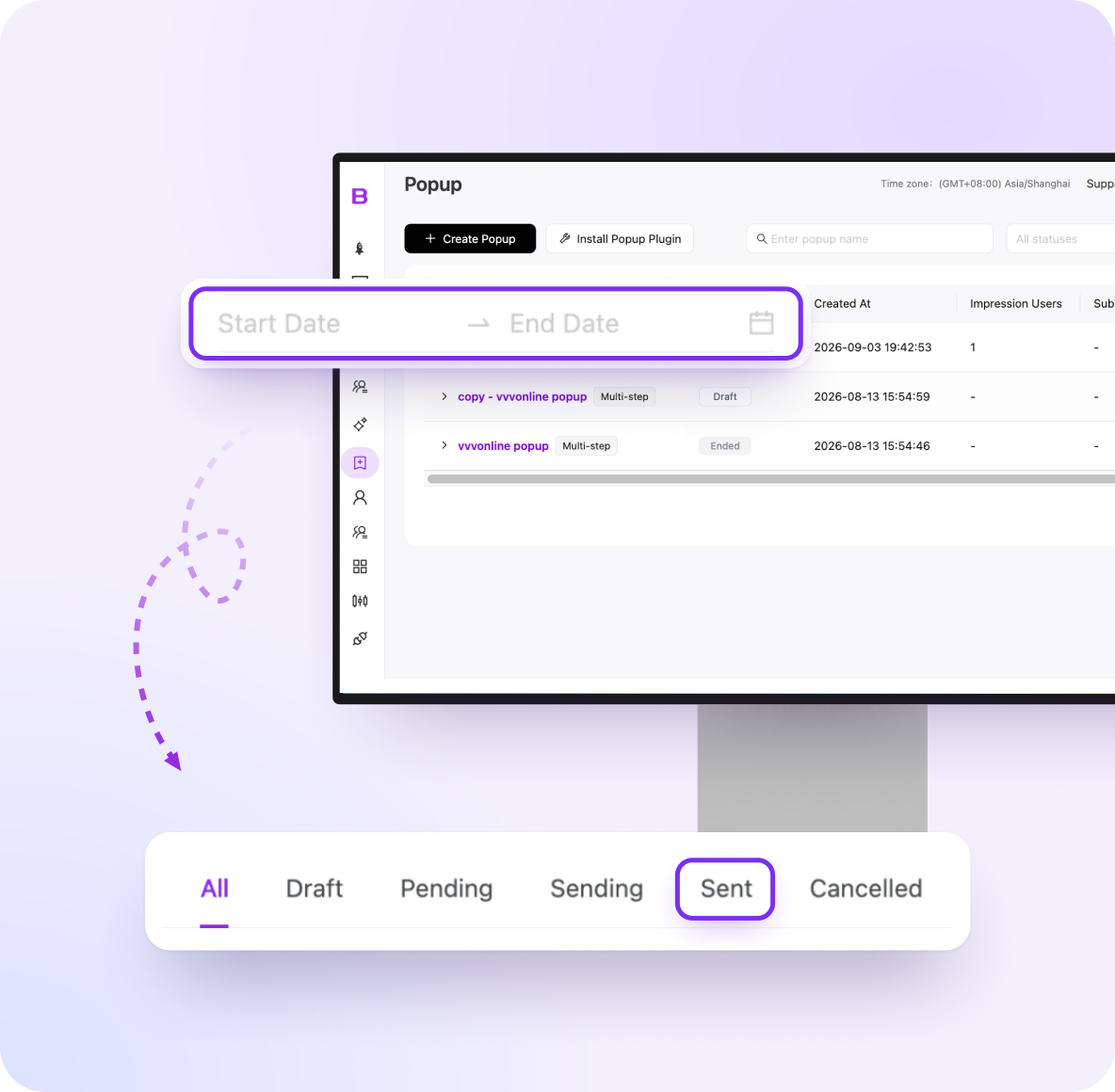
Macro-Level Monitoring (Campaigns & Flows “View All”)
Navigate to Campaigns or Flows and click View All to access the master list. Review status updates, aggregate delivery metrics, and evaluate how each automated or broadcast campaign performs at scale.
STEP 3
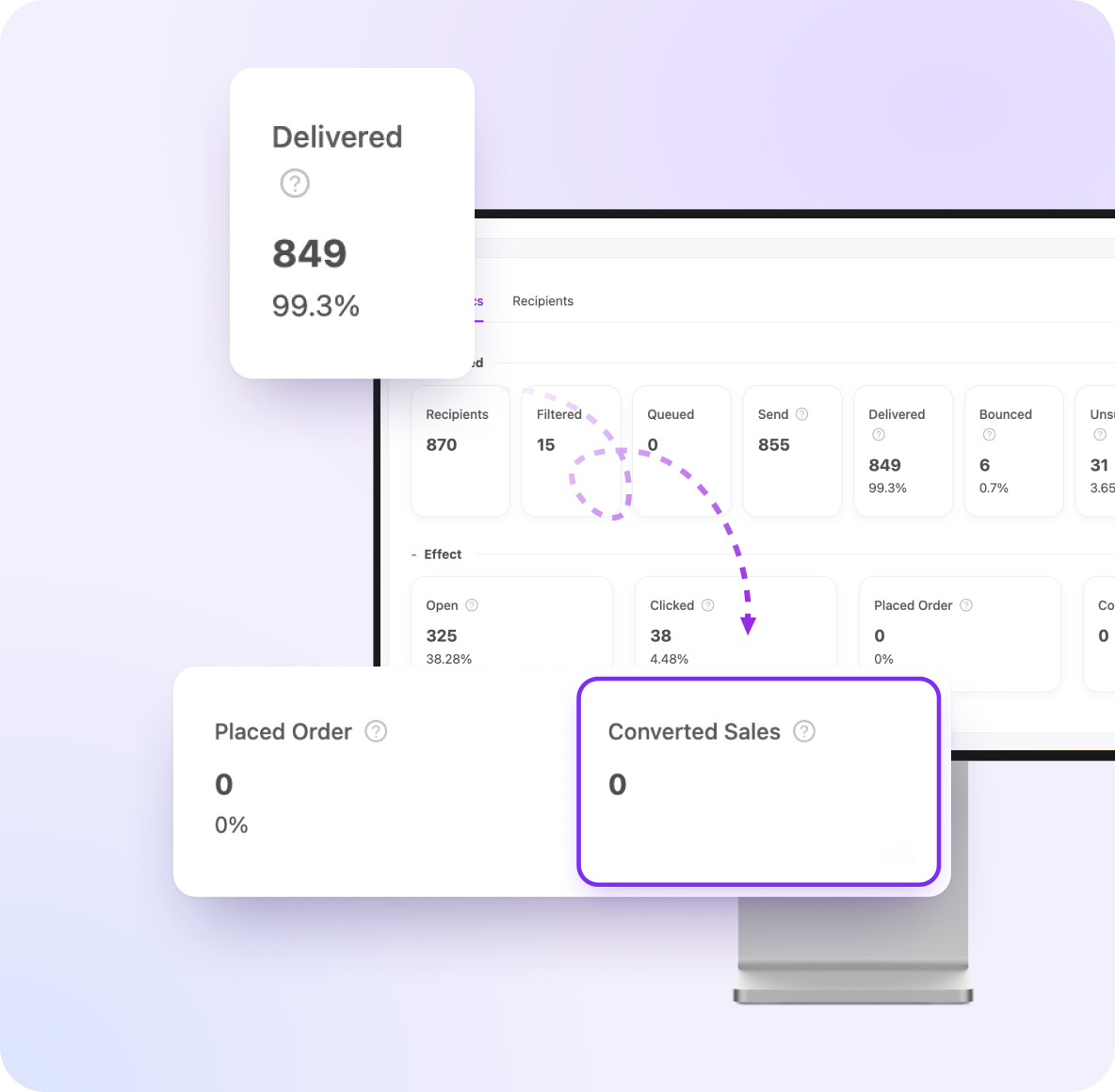
Micro-Level Investigation (Detailed Campaign Breakdown)
Click the View button on any specific campaign row to dive into the Campaign Details page. Analyze granular metrics—from filtered recipients and bounce rates to open/click conversions—to fine-tune your future messaging strategy.
Was this guide helpful?