


The right email for the step they're on

Popups add visitors. Welcome, browse, cart, and checkouit each
have a flow. Then confirmation, shipping, and a review. Alis for
Quick send.

5–15%Cart recovery rate
6–10%Email revenue share
7 daysFirst automation live
No credit card requiredQuick send includes Al.
ShopifyMade for Shopify brandsInstall from the Shopify App Store
Atelier No.9▲ NorthlineField & Form◎ Mira StudioKIN & COSable

Core Features Breakdown

Turn Every Visitor into a Lifetime Customer

Write to the moment they're in

  • Someone who looked, someone who added to cart, someone who bought.
  • Or by how long since they last visited, and how much they've spent.
  • A first order and a returning customer can hear from you differently.
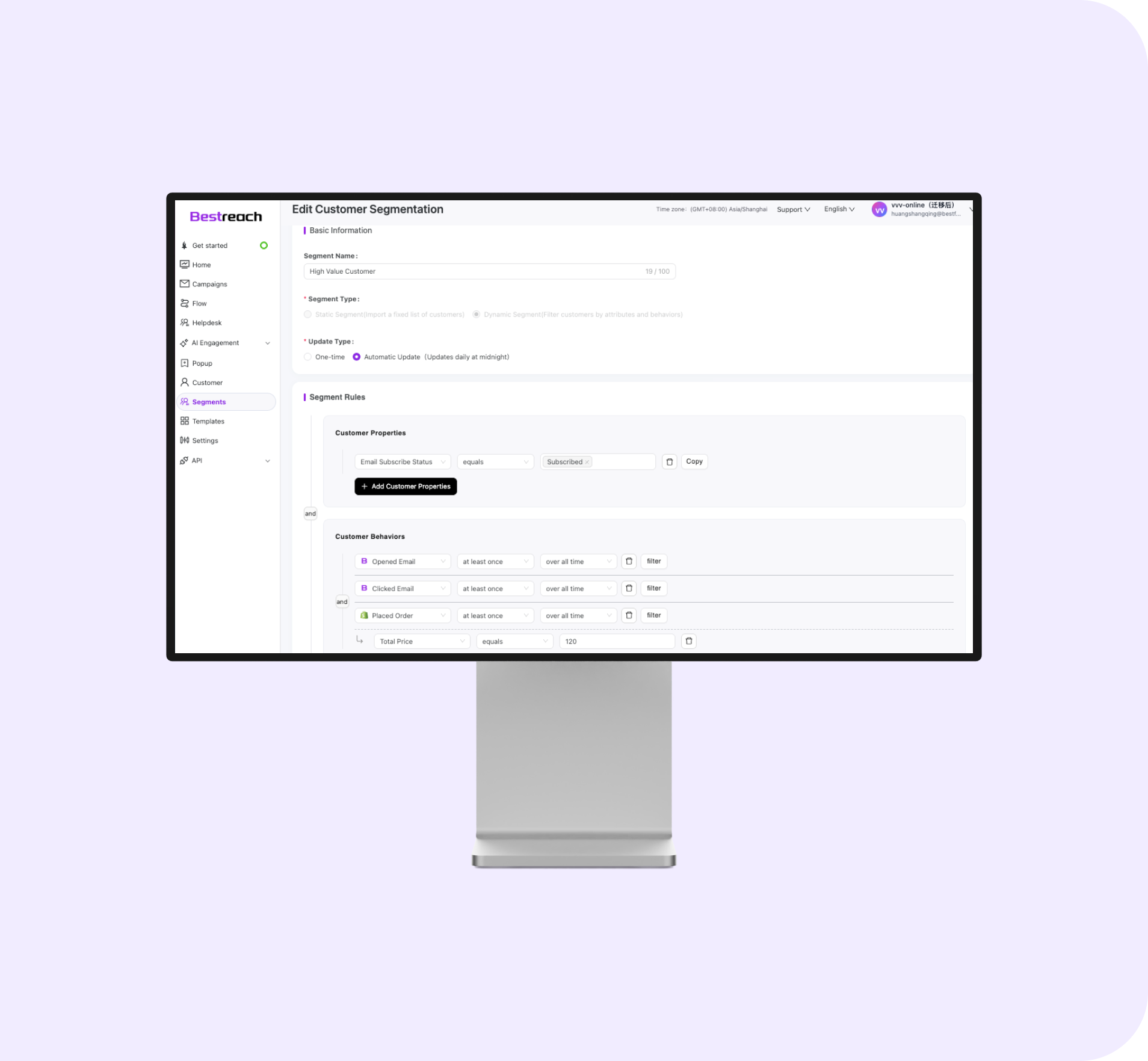
See the moments
Write to the moment they're in product preview

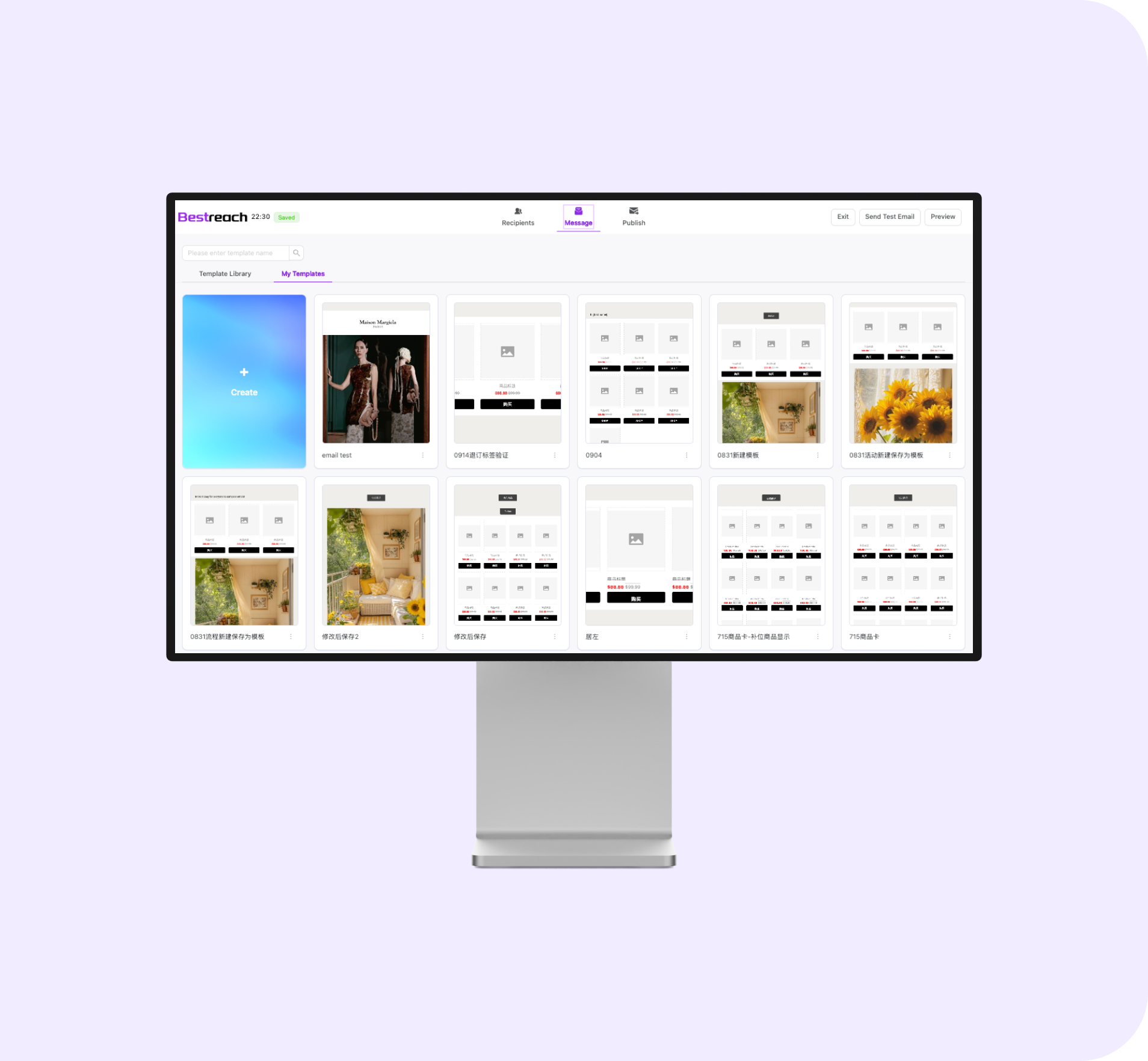
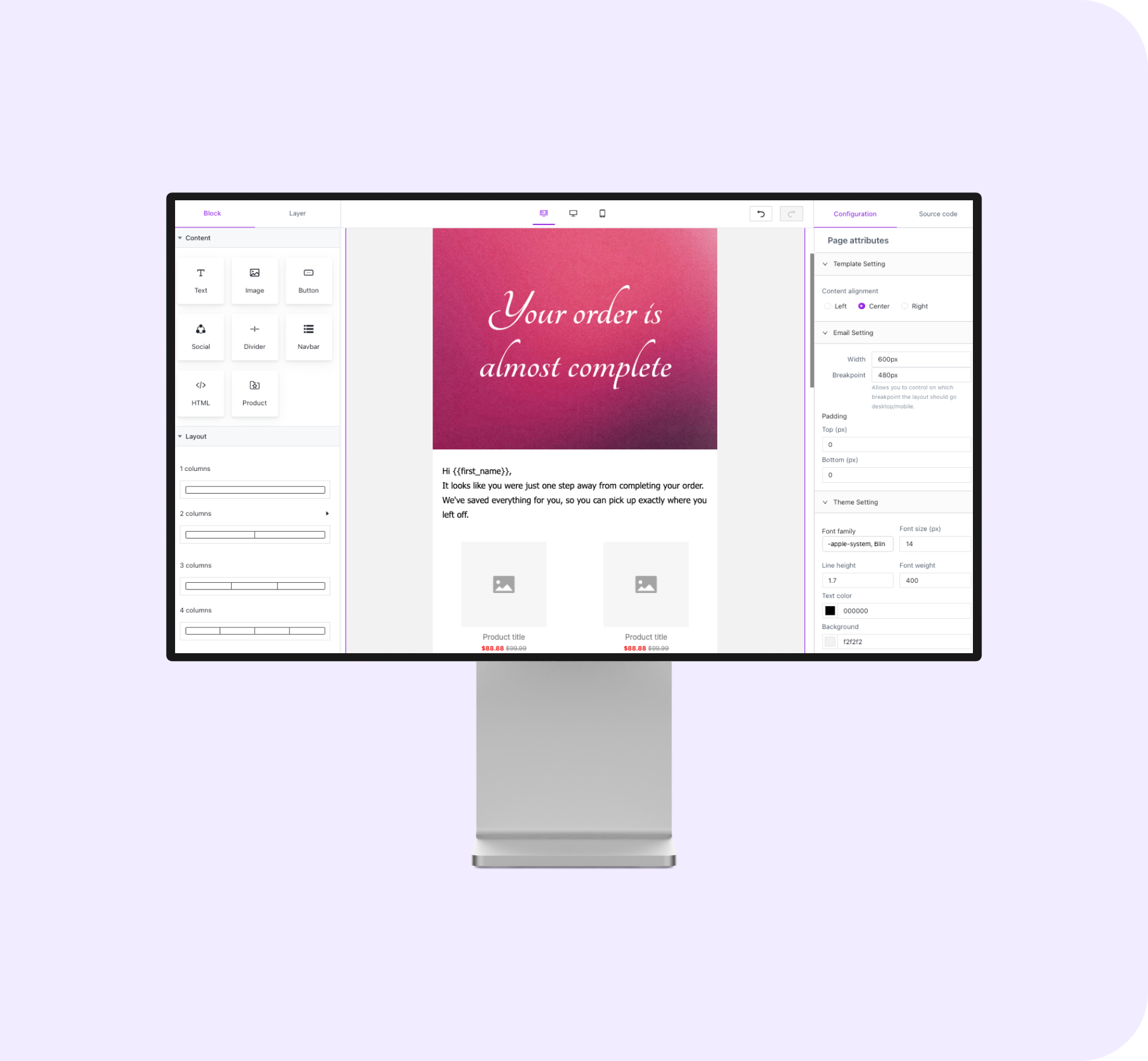
Emails ready for your brand

  • Welcome, a launch, the order, the shipment, and a review request are ready.
  • Drag, edit, and send.
  • The shipping email goes out when the order ships.
See the templates
Emails ready for your brand product preview

A cart and a checkout are different goodbyes

  • A new subscriber receives a welcome. Someone who looked and left receives a reminder.
  • One email if the cart is left full. Another if checkout begins and stops.
  • After they buy: the order, the shipment, and the review.
See the emails
A cart and a checkout are different goodbyes product preview

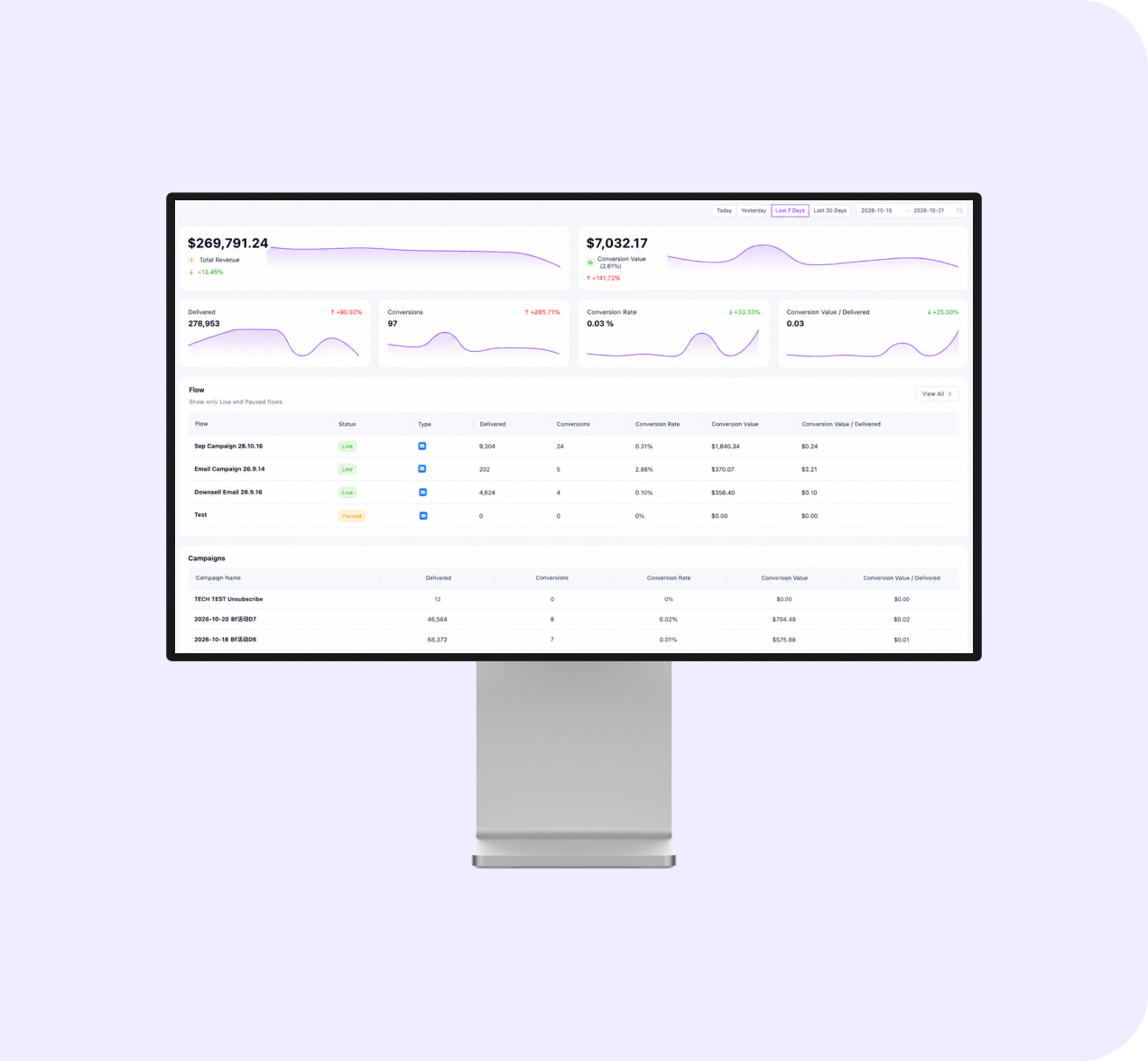
The orders behind every email

  • Opens, clicks, and orders, together.
  • Welcome, cart, checkout, and after the purchase, each on its own.
See the report
The orders behind every email product preview

Write to the moment they're in

  • Someone who looked, someone who added to cart, someone who bought.
  • Or by how long since they last visited, and how much they've spent.
  • A first order and a returning customer can hear from you differently.

See the moments Write to the moment they're in product preview

Emails ready for your brand

  • Welcome, a launch, the order, the shipment, and a review request are ready.
  • Drag, edit, and send.
  • The shipping email goes out when the order ships.
See the templates Emails ready for your brand product preview

A cart and a checkout are different goodbyes

  • A new subscriber receives a welcome. Someone who looked and left receives a reminder.
  • One email if the cart is left full. Another if checkout begins and stops.
  • After they buy: the order, the shipment, and the review.
See the emails A cart and a checkout are different goodbyes product preview

The orders behind every email

  • Opens, clicks, and orders, together.
  • Welcome, cart, checkout, and after the purchase, each on its own.
See the report The orders behind every email product preview

Write to the moment they're in. Someone who looked, someone who added to cart, someone who bought. Or by how long since they last visited, and how much they've spent. A first order and a returning customer can hear from you differently. See the moments

Emails ready for your brand. Welcome, a launch, the order, the shipment, and a review request are ready. Drag, edit, and send. The shipping email goes out when the order ships. See the templates

A cart and a checkout are different goodbyes. A new subscriber receives a welcome. Someone who looked and left receives a reminder. One email if the cart is left full. Another if checkout begins and stops. After they buy: the order, the shipment, and the review. See the emails

The orders behind every email. Opens, clicks, and orders, together. Welcome, cart, checkout, and after the purchase, each on its own. See the report

Closer to your audience. At every step.

The email for where they are in the order, measured by opens, clicks, and revenue.
Email journeys connecting customers around the world, from Mexico City to Frankfurt

Set up the popup and the first flows

Install BestReach on Shopify and connect visits, carts, and checkouts to email.